
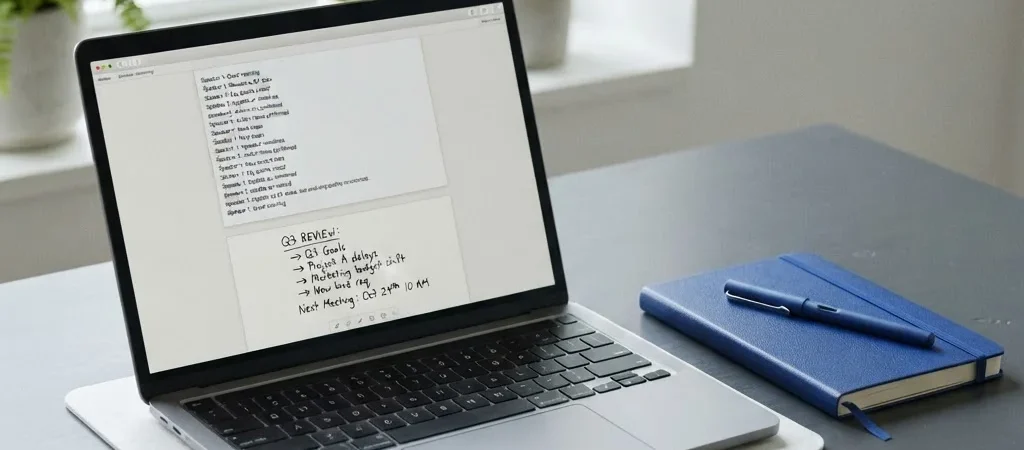
A meeting ends, the next call starts, and the action items are still buried in a recording. AI meeting-note tools can help with that handoff, but a transcript is not the same as an accurate record. The useful question is not whether the tool can summarize a conversation; it is whether your team can trust and act on the result.
Choose the right meetings
Recurring project check-ins and internal planning calls are often easier places to start than sensitive conversations or high-stakes client discussions. These routine meetings tend to have familiar participants, clear topics, and decisions that can be checked against a project plan. A tool may be less suitable when the conversation depends on subtle context or participants have not agreed to recording.
Before using a service, check how it handles recordings, transcripts, access, and deletion. Ask who can view the notes and whether the tool connects to your calendar or meeting platform. Those details matter as much as whether it produces a tidy summary.
Review the decisions
Treat the summary as a draft. Compare named owners, deadlines, figures, and decisions with what people actually said, especially when a sentence could change the meaning of a commitment. If the tool labels a discussion as a decision, make sure the group really agreed.
A practical workflow is to share the draft with the meeting owner first, correct it, then send the approved notes to the people who need them. That small review step can prevent a confident-sounding transcription error from turning into someone else’s task.
Keep a human in charge
AI notes are most helpful when they reduce clerical work without becoming the authority on what happened. Set a simple team rule: confirm consent, review important details, and store the final notes where the team already works. If those steps make the process slower than taking concise notes by hand, the tool may not be earning its place.
Products not fetched from DB and/or API. Please check debug logs.